
Skills You Will Learn
Page CreationKeyboard SetupText FormattingStyle Sheets
What You Will Learn
- Create new documents and configure page settings.
- Work with text boxes and title text boxes.
- Configure document and keyboard preferences.
- Create and manage master pages.
- Format text, paragraphs and page elements professionally.
- Design and format tables in InPage.
Course Curriculum
Introduction and basic information
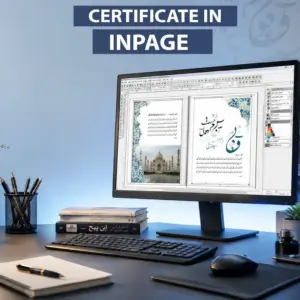
- Introduction to InPage software and its applications.
- Understanding the workspace, menus and tools.
- Overview of Urdu publishing and document creation.
Creating new page
- Creating new documents and pages.
- Selecting page sizes and layouts.
- Managing document structure effectively.
Setting the Page Layout
- Setting margins and page dimensions.
- Working with columns and page arrangement.
- Creating professional page structures.
Difference between English and Urdu typing
- Understanding RTL and LTR text directions.
- Managing bilingual documents.
- Handling punctuation, symbols and numbering correctly.
Creating new color for text and borders
- Creating and customizing colors.
- Applying colors to text and borders.
- Improving document presentation.
Text Box & Title Text Box
- Creating text boxes and title boxes.
- Managing content placement.
- Designing professional headings and layouts.
Details of Tool Box
- Understanding toolbox functions.
- Using editing and design tools.
- Improving workflow efficiency.
Making Tables in InPage
- Creating rows and columns.
- Formatting table structures.
- Organizing information professionally.
Creating and Using Style Sheet
- Creating custom style sheets.
- Applying styles throughout documents.
- Maintaining consistent formatting.
Printing the Document
- Preparing documents for printing.
- Checking print settings and layout.
- Producing professional print-ready documents.
About This Course
Why Choose This Course?
Beginner Friendly
Learn from basics.
Page Layouts
Professional page setup.
Industry Relevant
Learn skills used by professionals.
Certificate
Get a certificate and boost your career.
Frequently Asked Questions
Will I learn both Urdu and English typing in InPage?
Yes. The course covers the differences between Urdu and English typing, keyboard preferences and handling bilingual documents.
Will I learn how to create my own keyboard layout?
Yes. A dedicated module covers User Defined Keyboard creation, customization and management.
Is prior InPage experience required?
No. The course starts with basic software introduction and gradually progresses to advanced features.